Sailing school compliance software
Compliance that happens while you roster, not afterwards
For Principals, Chief Instructors, centre managers and club officers at RYA training centres and clubs.
Most compliance at a sailing school is checked the morning of the session, by whoever is on duty. ActivityRoster moves it to the moment the roster is built, and keeps checking as things change. By the time anyone is on the slipway, the questions have been answered.
Free for a month · no card · from £35 a month after
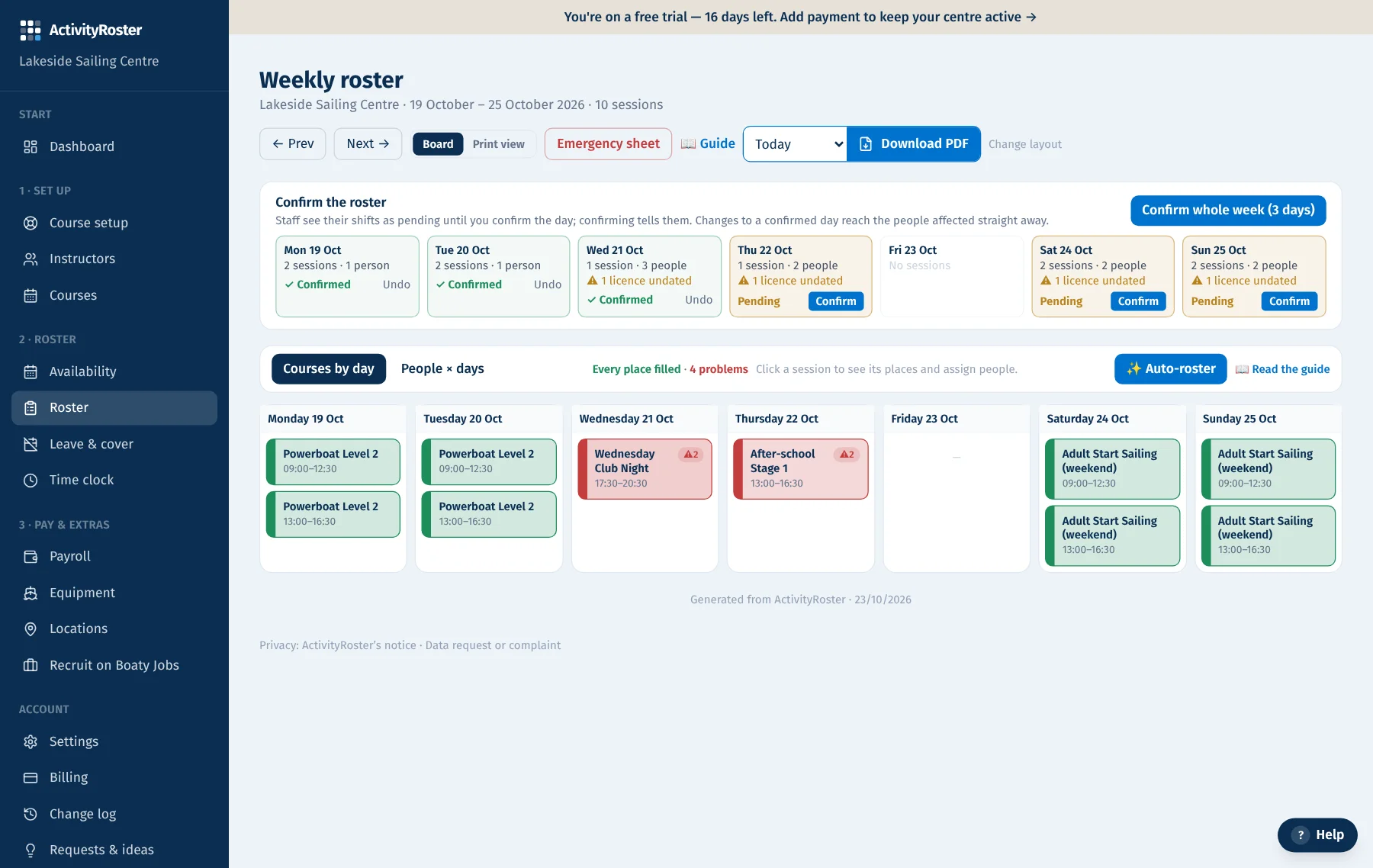
Your week, in three steps
Add your courses
Import them from your calendar or booking system, or add them by hand. Ratios and staffing are filled in for you.
Select your staff
See who’s free on one sheet, with problems flagged as you go. Or let Auto-roster fill every open place from who’s free and qualified.
- Right instructor type
- Available
- Senior Instructor on
- Ratio (when switched on)
Confirm: ready to run
In every instructor’s app, on the printed roster and on the emergency sheet.
Change something later? Everyone affected is told in the app, and the roster and emergency sheet update themselves.
What it checks
Assignments and rostered sessions are checked against your centre's rules. Instructor types, availability and Senior Instructor cover are always on; you switch on the rest and choose which certificates are mandatory:
- In-date instructor qualifications that cover the course
- First aid, safeguarding and vetting checks you mark as mandatory
- Student-to-instructor ratios for each course type
- A Senior Instructor on duty whenever assistants and newer instructors teach
- Double-bookings of people and boats
Overrides with a paper trail
Real life needs judgement. When you go ahead despite a warning, ActivityRoster records who decided and when. If you're ever asked to show how a decision was made, it's there.
An audit log you didn't have to write
Every roster, staff and settings change is recorded with who made it. Sign-in events are logged. Sensitive pages show who can see them. Personal data can be exported, restricted or anonymised when someone asks.
See it in the platform
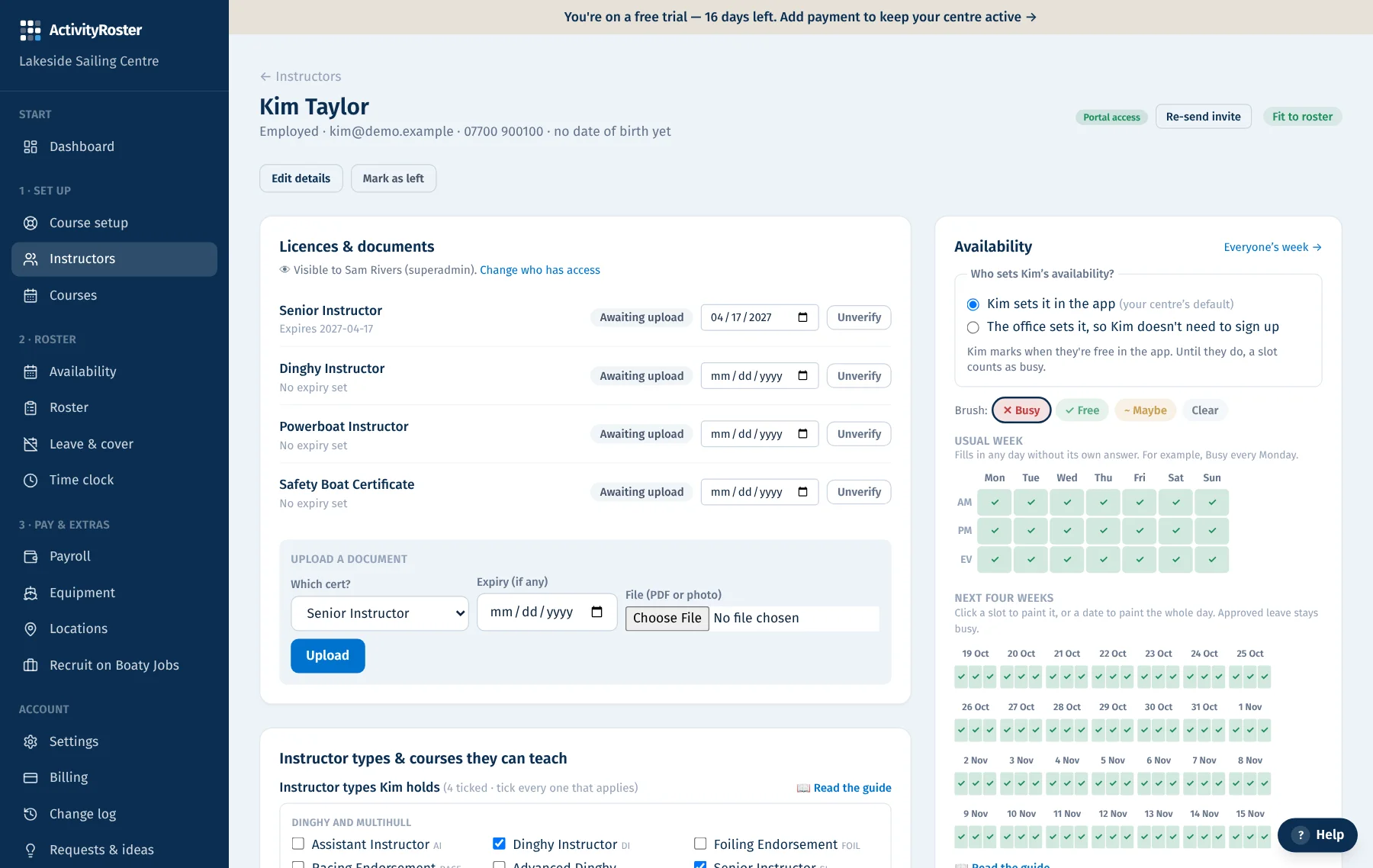
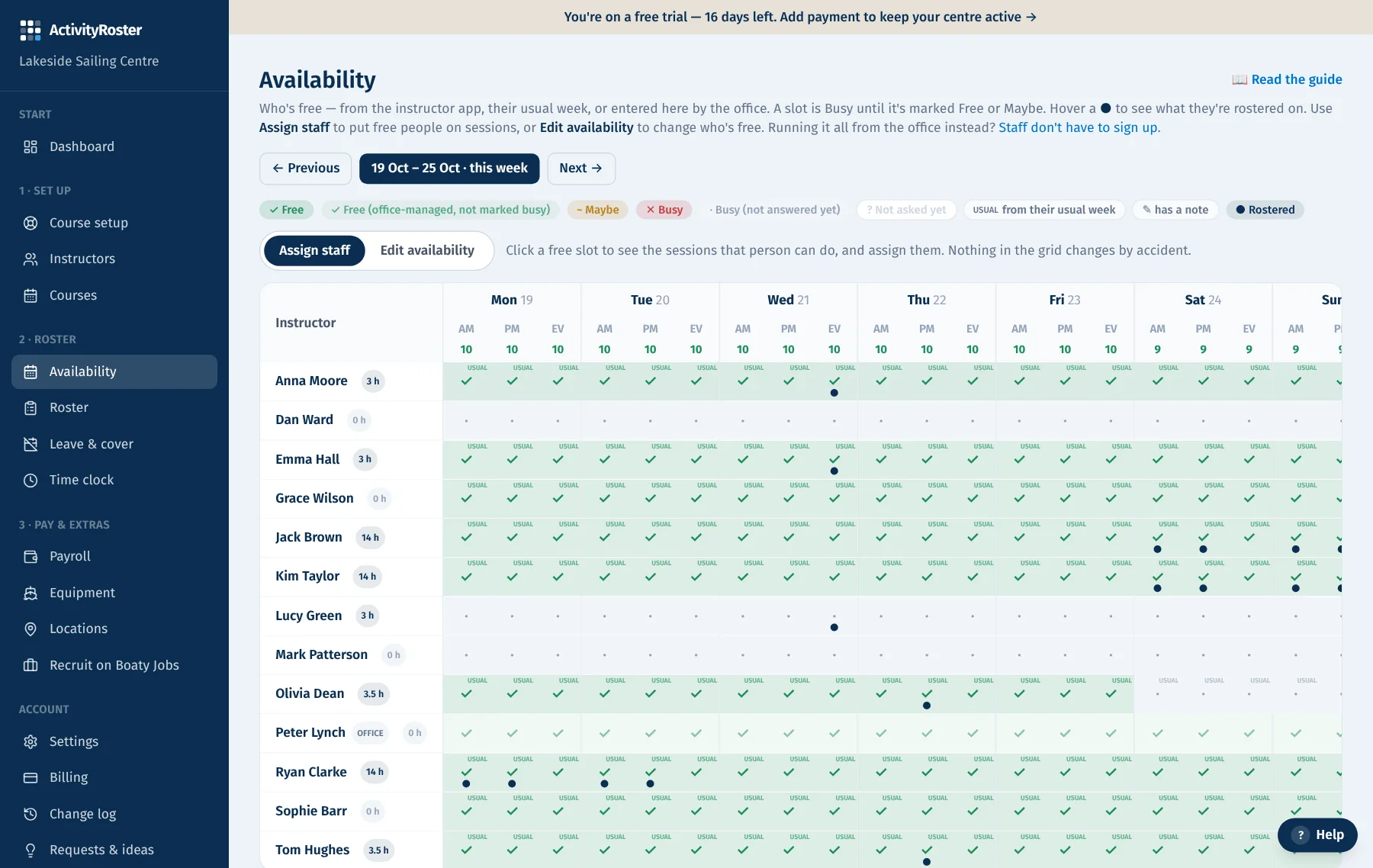
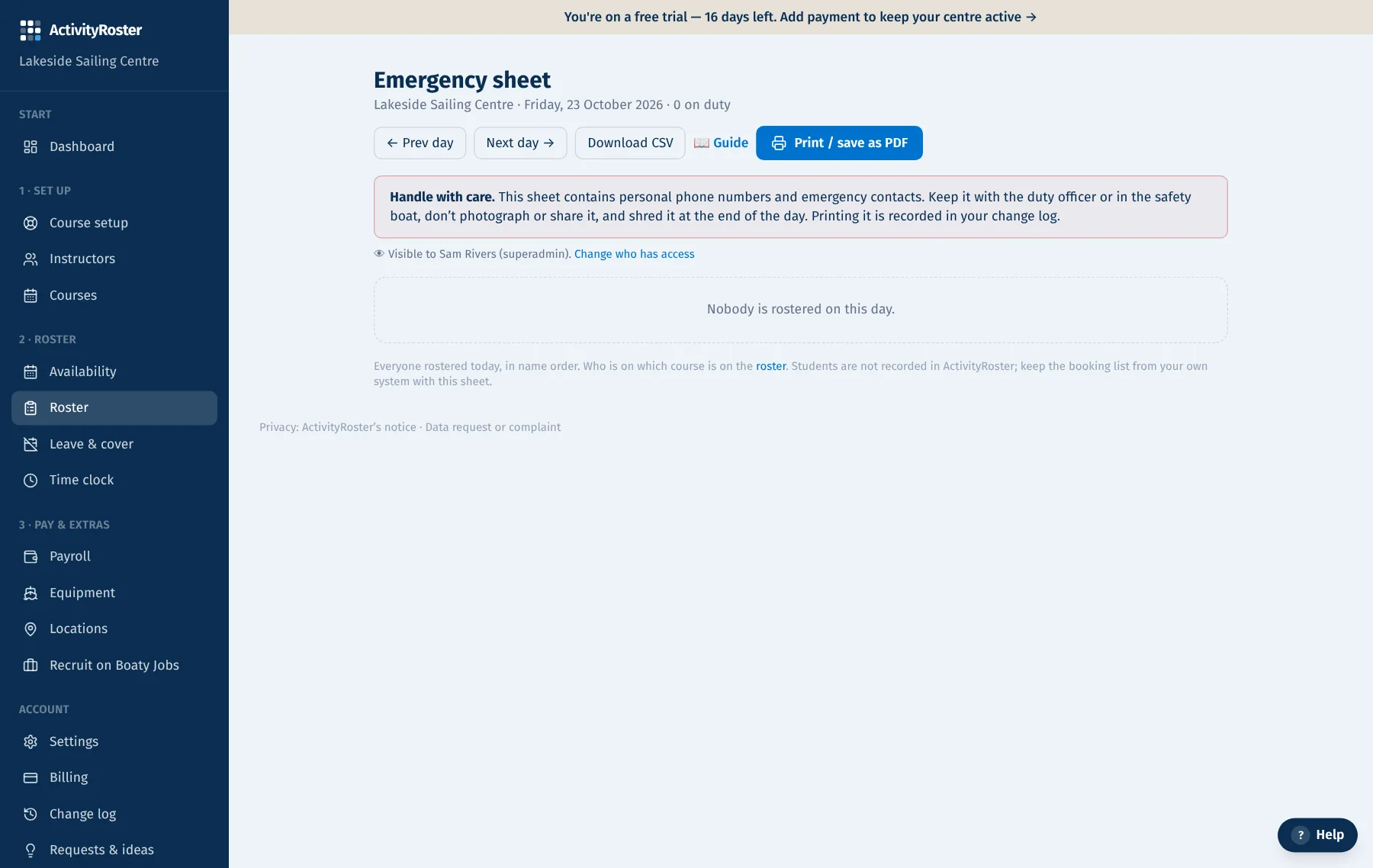
A live platform that keeps getting better
ActivityRoster improves all the time, and centres decide what comes next. Ask for a feature from inside the platform, back other centres’ ideas with a vote, and watch the most-needed ones go from review to live. We build around what centres vote for.
Questions
- Does this replace our operating procedures?
- No. Your operating procedures and risk assessments set the rules; ActivityRoster applies the staffing parts of them every time you roster, so they're followed consistently.
- Can we switch a check off?
- Yes, in Settings. Switching off a safety check asks you to confirm and tells you what will no longer be stopped.
- What about under-18 instructors?
- They're marked as under 18 from their date of birth, with their contact details kept private from colleagues. Working hours are the centre's to manage; each person's rostered hours for the week show beside their name.
Guides for running a sailing school
RYA recognition inspection: the staffing records to have ready
What an RYA recognition inspection looks at on the staffing side and the records to have ready: qualifications, vetting, rosters, ratios, supervision, safety cover, overrides and incidents.
6 min read
RYA sailing school compliance checklist
A practical staffing and rostering compliance checklist for RYA sailing schools: before the season, every roster, every day, and the records to keep.
6 min read
How to prevent expired qualifications being rostered
Why expired licences end up on sailing school rosters and how to stop it: a mandatory list, a lead time, checks at the moment of rostering and recorded overrides.
5 min read
Related: RYA qualification tracking software·RYA staff rostering software·RYA sailing school software
Try it free for a month
Your centre is created in seconds with the RYA defaults in place, and a guided set-up does the rest.
- No card required, cancel any time
- £35 a month for up to 10 people, £65 for everyone
- Hosted in the EU, export your data whenever you like