Problems on the roster
What contradicts your rules right now, not just at the moment someone was assigned.
What it looks like
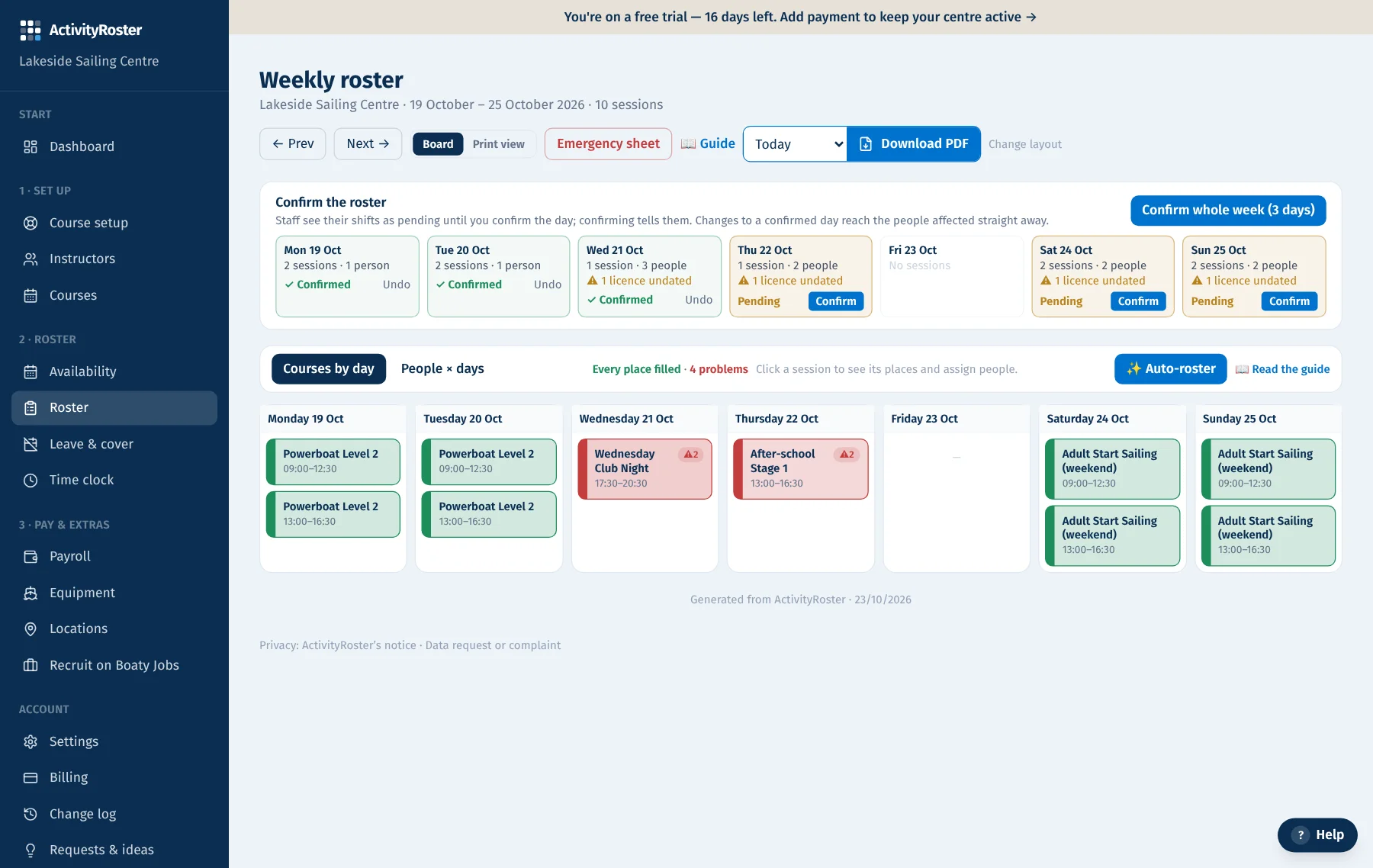
Screens from a made-up centre. Click any screen to see it full size.
Checks used to run only when you assigned someone. Sessions move, people mark themselves Busy afterwards, leave gets approved, a boat goes into maintenance. The problems list looks at the roster as it stands today and tells you what no longer adds up.
What it finds
- Double-booked: the same instructor on two courses in the same session (AM, PM or EV) on the same day, when you check for clashes. A session before or after is fine. If the times typed for back-to-back sessions run into each other (a morning down until 13:30 and an afternoon from 13:00), it shows as a warning with the exact overlap. Centres that run to set times compare the times instead, and one ending at 13:00 with the next starting at 13:00 is not an overlap.
- Rostered while Busy or on approved leave, and anyone who hasn't marked a slot Free yet (counts as Busy).
- Someone who said they can't make it and still needs replacing.
- Not cleared to roster (an expired mandatory check); someone whose instructor types don't cover the course, or who isn't the place's instructor type (or higher on its ladder).
- No Senior Instructor on duty: an Assistant or Dinghy Instructor (or another type that teaches under supervision) on a session with no Senior Instructor for that ladder on in the same slot. It starts once you've recorded at least one Senior Instructor.
- Instructor type expired: someone is on a session after the expiry date recorded for the instructor type that puts them in that place. It's a warning only and never stops you rostering them: update the date on their profile once they've renewed.
- Short of instructors for the ratio (when you flag ratios), and equipment clashes or units in maintenance.
Where you see it
- Dashboard: a tile with the count for the next four weeks and the list underneath.
- Roster: the week's problems above the roster, and a ⚠ on each affected session.
- The morning digest email lists today's problems.
- Instructors see their own in the app (rostered while Busy, on leave, or on two courses at once) with a link to fix their availability.
- After you move or add a session, the message tells you straight away who it now clashes with.
Tip: Red items block rostering (an override was used, or something changed later); amber ones are warnings. Click the course name to sort it out.
Start my free monthEvery centre gets the whole platform — explore each topic to see what's included.