RYA staff rostering software
Staff rostering that checks the RYA rules while you build the week
For Principals, Chief Instructors, centre managers and club officers at RYA training centres and clubs.
A sailing roster isn't a shift pattern. Each session needs the right grades in the right numbers, a safety boat with a qualified driver, and people who are actually free. ActivityRoster builds the week around those rules, so the roster you publish is one you can run.
Free for a month · no card · from £35 a month after
Your week, in three steps
Add your courses
Import them from your calendar or booking system, or add them by hand. Ratios and staffing are filled in for you.
Select your staff
See who’s free on one sheet, with problems flagged as you go. Or let Auto-roster fill every open place from who’s free and qualified.
- Right instructor type
- Available
- Senior Instructor on
- Ratio (when switched on)
Confirm: ready to run
In every instructor’s app, on the printed roster and on the emergency sheet.
Change something later? Everyone affected is told in the app, and the roster and emergency sheet update themselves.
Build the week on one screen
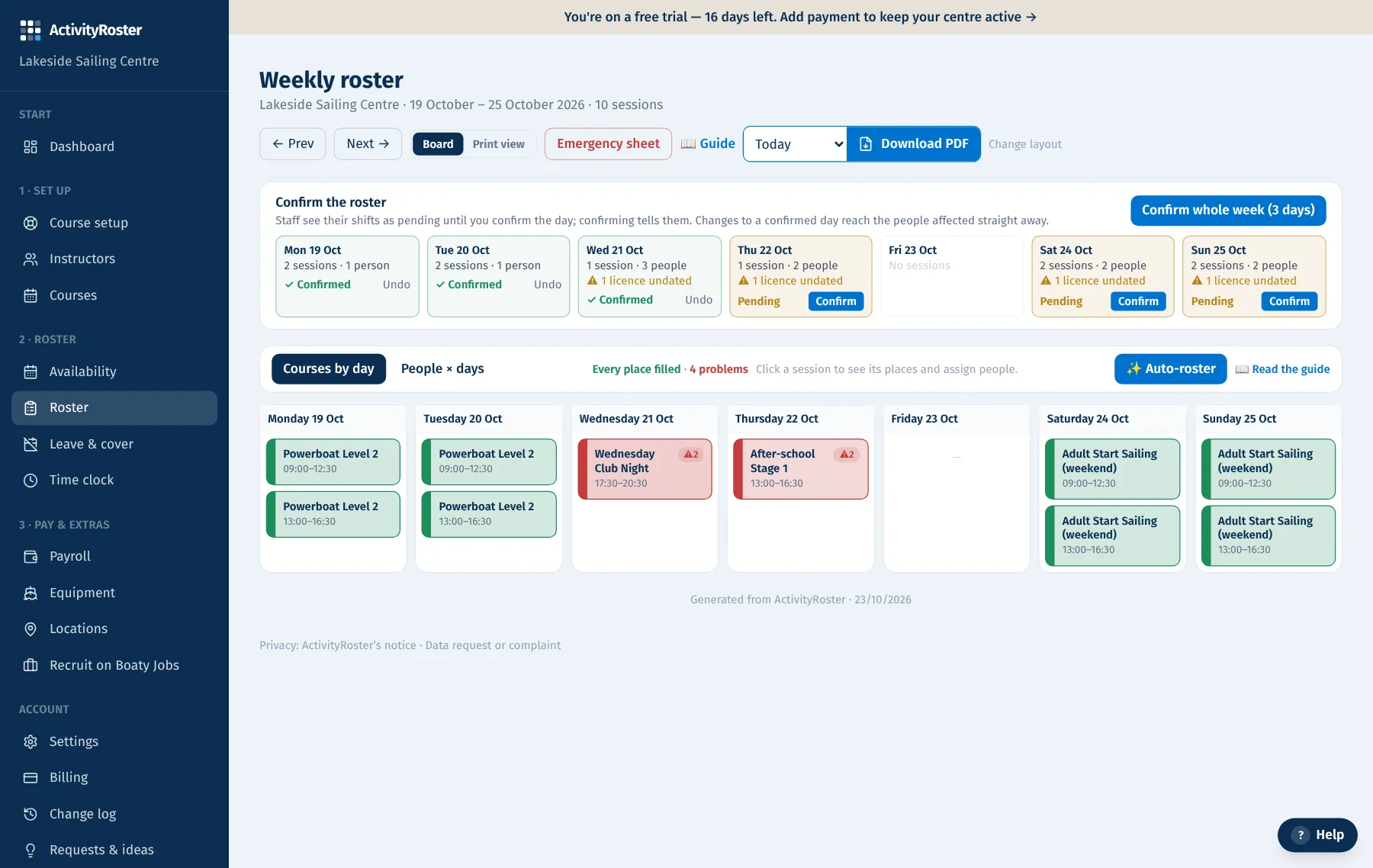
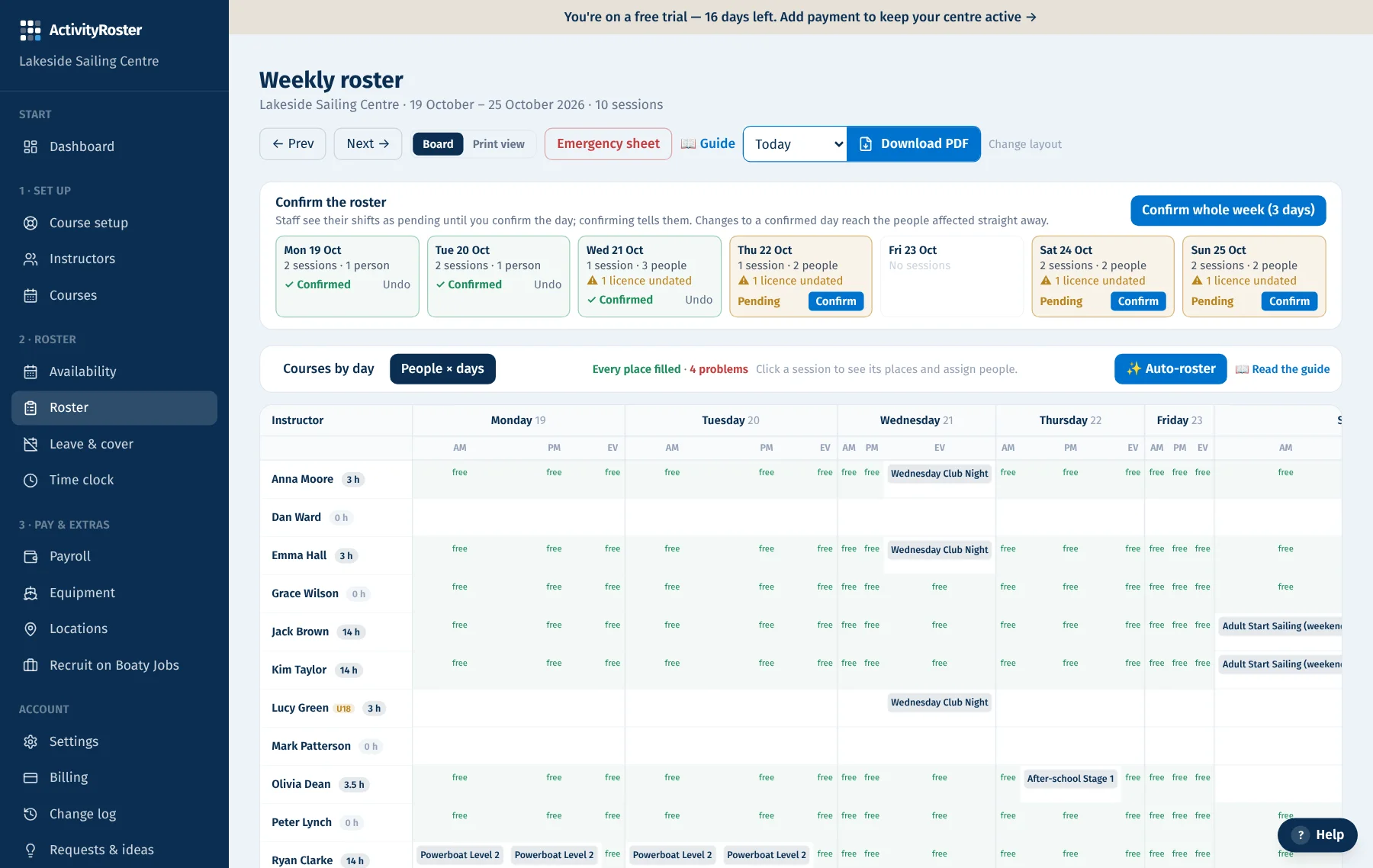
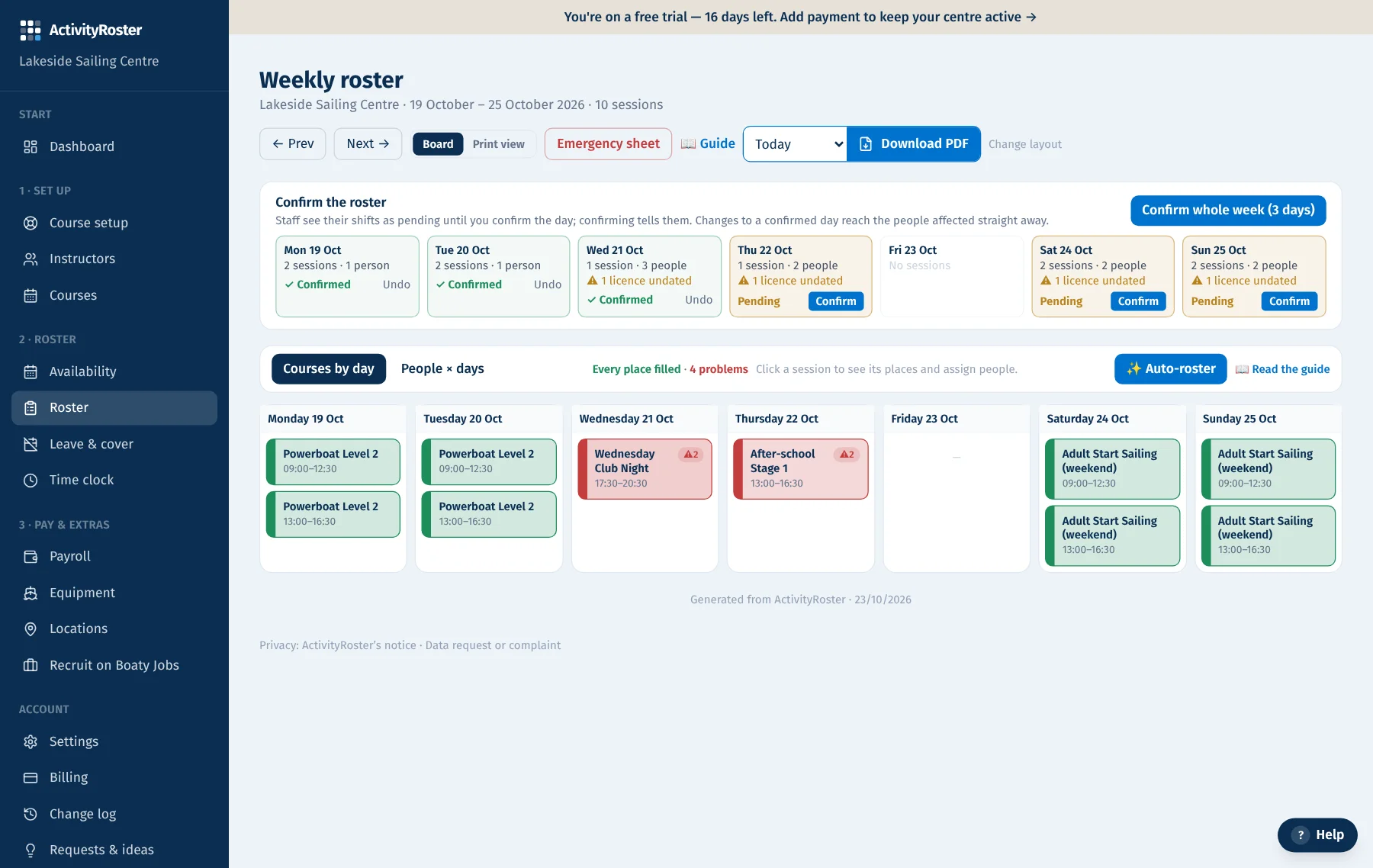
The roster board shows each day's sessions as cards, with who is on them and the roles still open. Click a session and the people list shows everyone's availability for that slot. Drag someone across, or switch to People × days to see a row per instructor with free slots in green.
Checks as you assign
The moment you put someone on a session, ActivityRoster checks it. Qualification, availability and supervision are always checked; switch on the ratio and licence checks in Settings and mark which certificates are mandatory:
- Qualification: do they hold an in-date licence that covers this course?
- Availability: have they marked this slot free, maybe or busy?
- Ratio: does the session now have enough instructors for the students booked?
- Supervision: is a Senior Instructor on duty for the assistants and instructors who need one?
Problems found after the fact, too
Rosters change after they're built. Someone marks themselves busy, a session moves, leave is approved, a boat goes into maintenance. The problems list looks at the roster as it stands now and tells you what no longer adds up, from double-bookings to someone rostered while on approved leave.
Confirm, and everyone knows
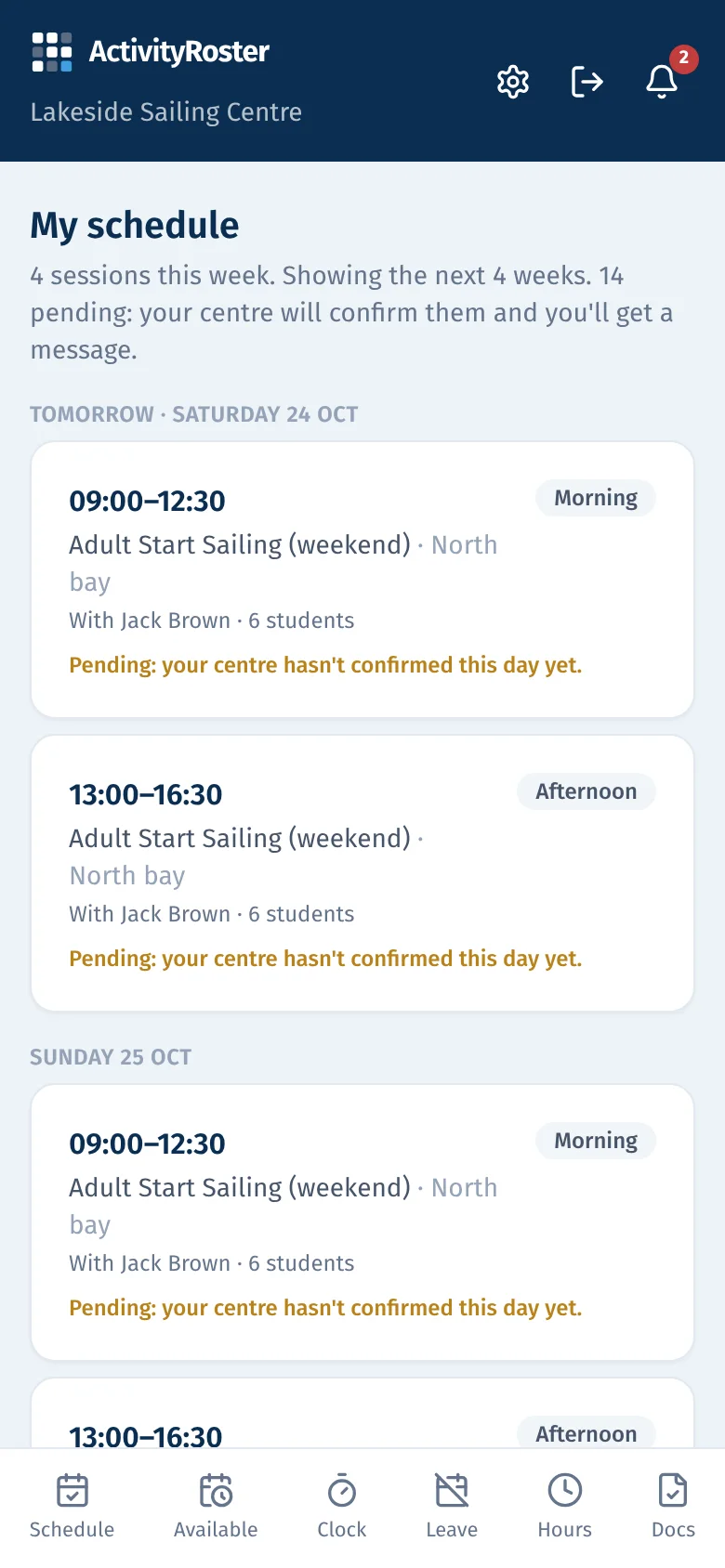
Instructors see their shifts as pending as soon as you assign them. When a day is right, confirm it: everyone on it is told in the instructor app, and changes after that reach the people affected straight away. Pending days stay marked on the roster, and the printable roster is ready for the noticeboard.
See it in the platform
A live platform that keeps getting better
ActivityRoster improves all the time, and centres decide what comes next. Ask for a feature from inside the platform, back other centres’ ideas with a vote, and watch the most-needed ones go from review to live. We build around what centres vote for.
Questions
- Can we still override a check?
- Yes. Some days you need to. ActivityRoster tells you exactly what the problem is beside the person's name, and the button changes to “Assign anyway”. Pressing it records the checks it overrode, who pressed it and when in the change log, so there's a record if anyone asks later.
- Does it work for multi-day courses where staff change day to day?
- Yes. Staff can be set for the whole course or swapped for a single day, and each day is checked on its own.
- Do instructors need the app?
- It's the easiest way for them to see their week, set availability and confirm sessions, and it's free for them. Everything also works in a phone browser.
Guides for running a sailing school
How to build a sailing school staff rota
A step-by-step method for building a sailing school staff rota: sessions, staffing needs, availability, senior roles first, checks, publishing and changes.
7 min read
How to manage safety boat cover
How sailing schools plan safety boat cover: what decides how much you need, why the instructors usually drive, the qualifications to check, and getting boats ready.
6 min read
How should a sailing school manage instructor availability?
A simple system for collecting instructor availability at a sailing school: usual week plus exceptions, a fixed window, a deadline, and silence counted as busy.
5 min read
Related: RYA sailing school software·Sailing school rostering software·Sailing instructor scheduling software
Try it free for a month
Your centre is created in seconds with the RYA defaults in place, and a guided set-up does the rest.
- No card required, cancel any time
- £35 a month for up to 10 people, £65 for everyone
- Hosted in the EU, export your data whenever you like